












What a LinkedIn Carousel Is
- It is a document post. You create slides in a design tool, export them as a single PDF, and upload that PDF to LinkedIn. There is no separate carousel editor inside LinkedIn.
- It renders as swipeable slides. Each page of the PDF becomes one slide. On desktop people click the arrows, on mobile they swipe.
- It sits above a normal caption. The post still has a text caption and can have a first comment, exactly like any other post.
Streamline your content creation and grow your business with valuable content
How to Create a LinkedIn Carousel
You design the slides outside LinkedIn, then export one PDF.
- Pick a tool. Canva, Google Slides, PowerPoint, Keynote or Figma all work. Canva and Google Slides have free carousel templates.
- Set the page size before you design. Use a square (1080 x 1080 px) or portrait (1080 x 1350 px) canvas. Portrait takes up more vertical space in the feed.
- Keep it to one idea per slide. Six to twelve slides is the sweet spot: a hook slide, one point per slide, and a final call-to-action slide.
- Make slide one a hook. The first slide is the thumbnail in the feed, so it has to earn the swipe the way a headline earns the click.
- Export as PDF. File > Download / Export > PDF. That single PDF is what you upload.
Postel does not design the slides for you; use a design tool for that. What Postel does is write the caption in your voice and schedule the finished carousel.
How to Post a Carousel on LinkedIn
Step 1: Start a post
On your LinkedIn homepage, click Start a post.
Step 2: Add the document
Click the document icon (sometimes under the "more" menu). Upload your PDF.
Step 3: Give it a title
Add a short document title. It shows on the carousel and helps people decide whether to swipe.
Step 4: Write the caption
Write the post caption above the carousel. The first two lines sit above the "see more" fold, so put your hook there.
Step 5: Post or schedule
Post it now, use LinkedIn's clock icon to schedule it, or schedule it from a tool like Postel with posting slots and a first comment.
LinkedIn Carousel Size and Specs
| Setting | Recommended |
|---|---|
| File format | PDF (one file) |
| Aspect ratio | Square 1:1 or portrait 4:5 |
| Dimensions | 1080 x 1080 px (square) or 1080 x 1350 px (portrait) |
| Slides | 6 to 12 works best (LinkedIn allows up to 300 pages) |
| File size | Up to 100 MB |
| Title | Short, required for the document |
Schedule LinkedIn Carousels with Postel
A LinkedIn carousel is a document post, and Postel schedules document posts to your personal profile.
- Attach the PDF. Add one document (PDF, PowerPoint or Word, up to 100 MB) and give it a title.
- Write the caption in your voice. Postel learns how you write and drafts the caption that sits above the carousel, with the hook on the lines above the fold.
- Add a first comment. Drop your link or extra context in the first comment so it does not clutter the caption. Postel posts it right after the carousel goes live.
- Pick a time or the next slot. Schedule the carousel for a specific time or send it to your next free posting slot, alongside your X and LinkedIn posts in one calendar.
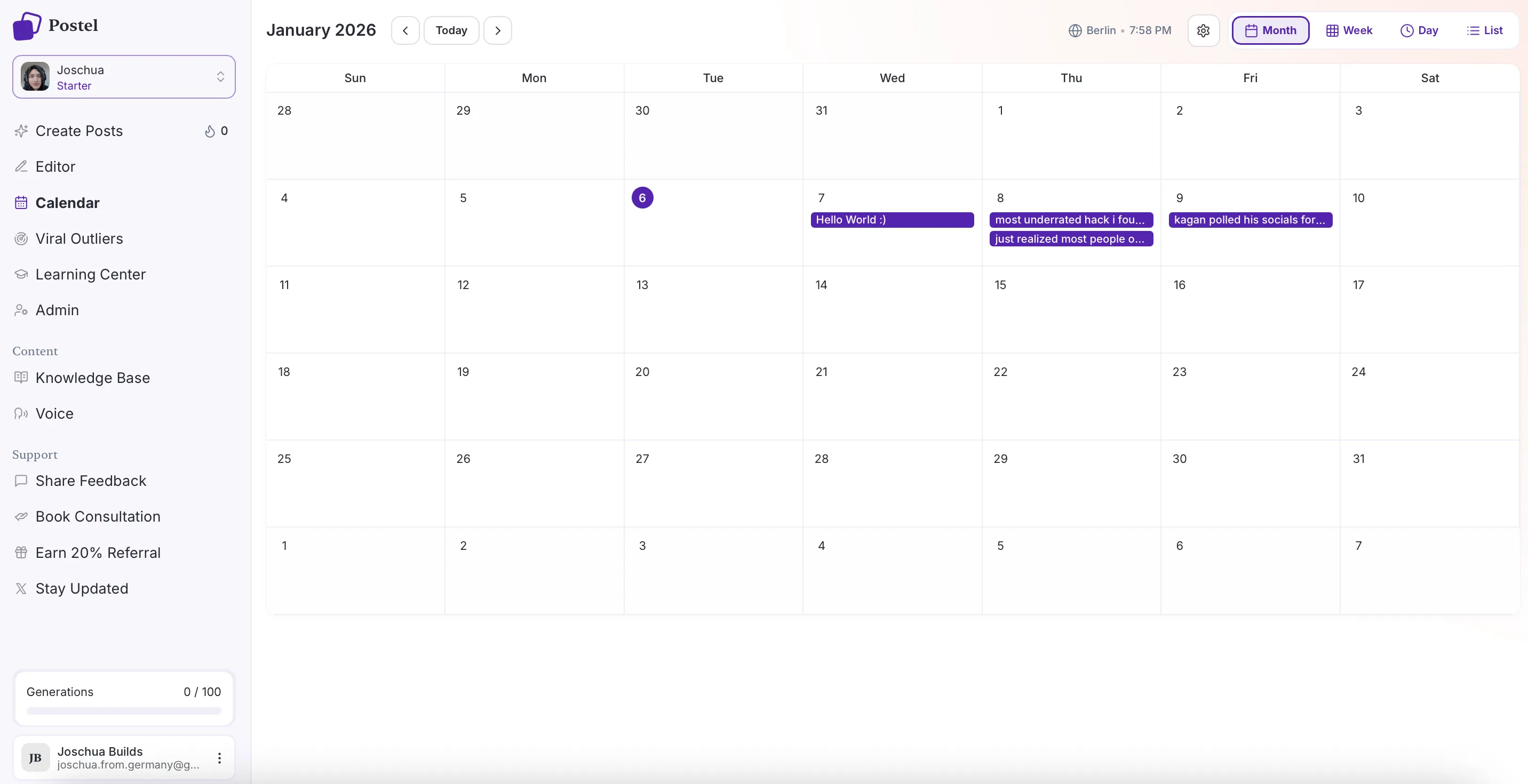
Postel content calendar in month view
Carousel Best Practices
- Earn the swipe on slide one. It is your thumbnail and your hook.
- One idea per slide. Dense slides kill the swipe.
- End with a call to action. Ask for a comment, a follow or a repost on the last slide.
- Repeat the hook in the caption. The caption above the fold decides whether people open the carousel at all.
- Keep the link out of the post. Put it in the first comment so the post keeps its reach.
Frequently Asked Questions
How do I post a carousel on LinkedIn?
Create your slides in a tool like Canva or Google Slides, export them as one PDF, then on LinkedIn click Start a post, add the document, give it a title, write your caption and post. LinkedIn renders the PDF as swipeable slides.
What size should a LinkedIn carousel be?
Design on a square 1080 x 1080 px or portrait 1080 x 1350 px canvas and export as a single PDF. Portrait takes up more room in the feed.
How many slides should a LinkedIn carousel have?
Six to twelve is the sweet spot: a hook slide, one point per slide and a closing call to action. LinkedIn allows up to 300 pages, but long carousels lose people.
Can I schedule a LinkedIn carousel?
Yes. A carousel is a document post, so you can schedule it. In Postel you attach the PDF, add a title, write the caption and schedule it like any other post, with an optional first comment.
Does Postel create the carousel slides?
No. You design the slides in a tool like Canva, Google Slides or Figma and export a PDF. Postel writes the caption in your voice and schedules the carousel.
Do carousels get more reach on LinkedIn?
Carousels tend to hold attention longer because people swipe through them, and dwell time is one of the signals LinkedIn's feed uses. A strong hook slide and caption matter more than the format itself.
Related: